
How to Login to VoicePing for iOS?
Beside of Android, VoicePing now also available for iOS. You can get the App from the APP STORE: VoicePing iOS
1. Once installed, open the VoicePing App then please allow the permission request when pop up.

2. Tap "Enterprise" button on the top right of the display.

3. Tap "Login" button.

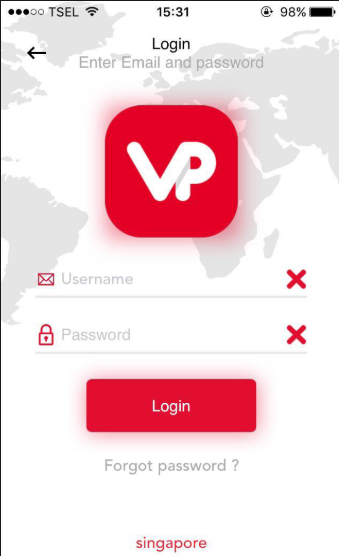
4. Fill in your account credential then proceed to tap "Login" button.
5. You will be directed to “Recent” screen. Swipe your screen to the left until you see “+” icon. Press the “+” icon to see your contacts.

6. On the contacts list, you can see all of your VoicePing user contacts and group channel. Press the “Star” icon on the right side of the contact name to set it as Favorite. Afterward, your VoicePing is ready to use.

Comments