
Listen to Your Walkie Talkies from Anywhere with VoicePing Radio Gateway
Your team relies on walkie talkies to coordinate work throughout the day. But when a supervisor leaves the site, they can lose touch with what is happening on the radio. And when an instruction needs checking later, the conversation may already be over.
VoicePing Radio Gateway connects your existing two-way radio to an online dashboard, allowing your team to listen live and replay recorded transmissions from a phone or computer.
For businesses managing security, transport, industrial facilities or port operations, it offers a practical way to extend access to radio communications while keeping the radios staff already use.

Keep Your Existing Radios and Working Habits
Introducing a new communication system can mean replacing equipment and retraining staff. VoicePing’s gateway starts with your existing radio setup.
A radio connects to the VoicePing gateway through its earpiece or accessory port. The gateway turns the received audio into a stream and sends it over an internet connection. Supervisors can then open the dashboard to listen or review recordings.
The basic setup follows four steps:
Your radio: Remains on the channel your team already uses.
VoicePing gateway: Connects to the radio and captures its audio.
Internet connection: Carries the audio to the online service.
Phone or computer: Provides access to live listening and recorded playback.
On-site staff can continue using familiar radio procedures while remote colleagues gain access to the conversation.
Stay Informed When You Are Offsite
A supervisor may need to attend meetings, move between locations or support a team from another office. Calling individual staff members for updates can interrupt their work and provide only part of the picture.
Live listening gives supervisors a way to follow radio activity directly.
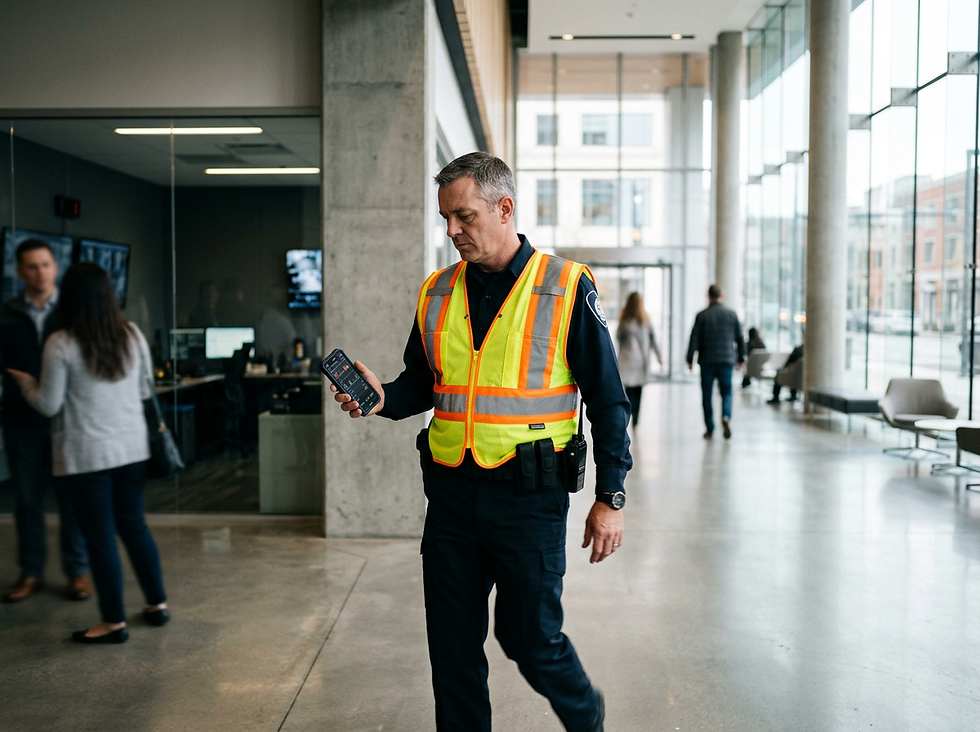
For example, a security manager could listen to reports from the site while offsite. A maintenance specialist could hear an issue being described by the field team. An operations manager could follow loading activity during a disruption.
This gives remote colleagues more context when deciding whether further follow-up is needed.
Replay an Instruction or Review an Incident
Radio conversations happen quickly. A team member may miss a detail, or a supervisor may need to check the sequence of communications after an operational delay.
Recorded playback lets your team return to captured transmissions and hear what was said.

Possible uses include:
Checking a maintenance instruction before following up.
Reviewing radio traffic around a loading delay.
Preparing a shift handover with reference to earlier communications.
Supporting an incident debrief or training discussion.
Consider a loading dock where a vehicle is waiting for access. Reviewing the relevant recordings could help a supervisor establish when the request was made, what response was given and where further investigation is needed.
Recordings provide another source of information for understanding an event, alongside staff accounts and operational records.
Where Could It Help Your Business?
The shared requirement is straightforward: people responsible for an operation need access to radio communications even when they are away from the radios themselves.
What About AI Transcription and Alerts?
VoicePing.ai also provides transcription and AI-based situational awareness, including ial email or text alerts when an issue is detected in radio communications.
If your priority is searchable conversations or automated alerts, discuss your requirements and feature availability with the team when arranging a demonstration.
Want to hear your site’s radio communications when you are offsite? Visit VoicePing.ai to book a demo or discuss a pilot, or contact Smart Walkie at sales@smartwalkietalkie.com.
Comments